Is my phone eSIM compatible? Check before you buy
A phone is ready for a travel eSIM only when its exact variant supports eSIM, the feature is available in settings and another carrier is allowed.
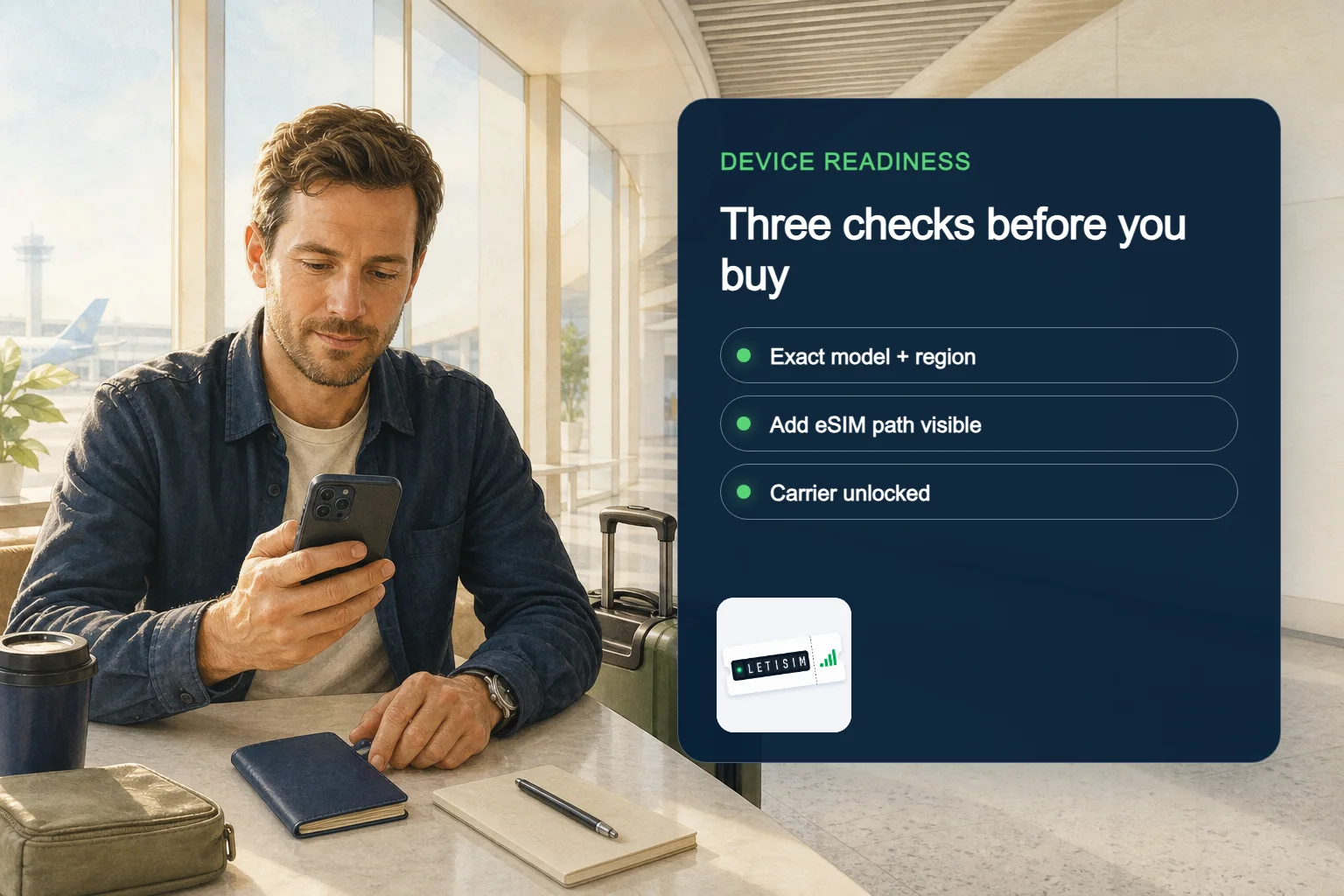
Before buying a travel eSIM, confirm the exact model and sales region on the manufacturer’s support page, find an Add eSIM option in the phone’s settings, and verify that the phone is carrier-unlocked. A familiar model name or an EID alone does not guarantee that a particular plan can be installed.
Read what the phone actually tells you
These are evidence checks, not a simulated phone screen. Menu names can change with device and operating-system version.
MODEL + REGION
Start with the exact model, not the marketing name
- Action
- Open About phone and copy the full model number, then check that number on the manufacturer’s support or specifications page. The country or sales region matters: Apple notes that cellular options are not available on every model or in every country and region, while Google documents model-and-carrier exceptions for older Pixel devices. A list that says only “iPhone”, “Galaxy” or “Pixel” is not enough evidence for the device in your hand.
- What you should see
- A complete model identifier and original sales market
- What it means
- If the phone was imported, refurbished or supplied by a carrier, also confirm its original sales market. Do not infer eSIM support from the presence or absence of a physical SIM tray; hardware arrangements vary by model and region. [apple-cellular] [google-pixel-sim]
ADD eSIM
Check whether the phone can add an eSIM
- Action
- On iPhone, open Settings, then Cellular or Mobile Data, and look for Add eSIM. On a Samsung Galaxy, the usual route is Settings, Connections, SIM manager; on Pixel it is Settings, Network & internet, SIMs. Menu names can move with an operating-system update, so use the settings search and the current manufacturer guide if the route differs.
- What you should see
- An Add eSIM or Add SIM path, or a clearly missing/disabled path
- What it means
- An EID in About phone is evidence that the device has an eSIM identifier, and Google explains that an EID is needed to use eSIM. Treat it as a supporting check, not a promise that every provider or plan will activate on that phone. [apple-cellular] [google-pixel-sim] [samsung-esim]
CARRIER LOCK
Confirm that another carrier is allowed
- Action
- eSIM hardware and an unlocked phone are separate checks. Apple says an unlocked iPhone shows “No SIM restrictions” beside Carrier Lock in Settings, General, About. Google likewise explains that a SIM-locked Pixel can use only the seller’s network until the seller removes the lock or the contract ends.
- What you should see
- Unlocked, locked, or still unknown
- What it means
- For other Android phones, ask the carrier that sold the device and give the exact model or IMEI if requested. Letisim cannot remove a carrier lock. Do not buy until the carrier has confirmed the status if settings are unclear. [apple-unlock] [google-pixel-unlock]
Device Readiness Board: choose the safe branch
Do not average conflicting signals. One unresolved condition keeps the purchase decision in verify-first.
READY
Proceed to the live plan
- All three device checks agree
- Read the selected plan’s current instructions before payment
VERIFY
Stop and resolve the mismatch
- A menu, model region or lock state is unclear
- Ask the manufacturer or original carrier before buying
ALTERNATIVE
Use another connection route
- The regional variant lacks eSIM or the phone stays locked
- Use a supported unlocked phone or another connectivity option
Make the purchase decision without guessing
Proceed to the live catalog only after all three checks agree: exact regional variant, an eSIM-addition path, and carrier-unlocked status. Then read the selected plan’s live description before payment because device hardware support is not the same as compatibility with a particular plan or network. [apple-travel] [google-pixel-sim]
If any check fails, use a supported unlocked phone or choose another connectivity option for the trip. If the evidence conflicts, contact the device manufacturer or original carrier first and send Letisim support the model number—not a full EID, IMEI, QR code or activation code.
Save this non-sensitive readiness card
Keep only the facts support needs; never copy activation secrets.
- Full model number
- Original sales country or region
- Operating-system version
- Whether Add eSIM is present, absent or disabled
- Carrier-lock result and who confirmed it
Letisim · Live catalog · current options
Current Letisim plans
Prices and availability load from the live catalog. Verify final details before purchase.
- Data, duration and price — all on one screen.
- Your QR code and setup guide work offline — even at the airport with no signal
- See the final price before you pay
Sources
Updated: 2026-08-09
- Set up cellular service on iPhone — Apple Support · 2026-08-09
- How to unlock your iPhone for use with a different carrier — Apple Support · 2026-08-09
- Get a SIM and add it to your Pixel phone — Google Pixel Help · 2026-08-09
- What is an eSIM and how does it work? — Samsung UK · 2026-08-09
- Use your Pixel phone with any mobile carrier — Google Pixel Help · 2026-08-09
- Use eSIM while traveling internationally with your iPhone — Apple Support · 2026-08-09