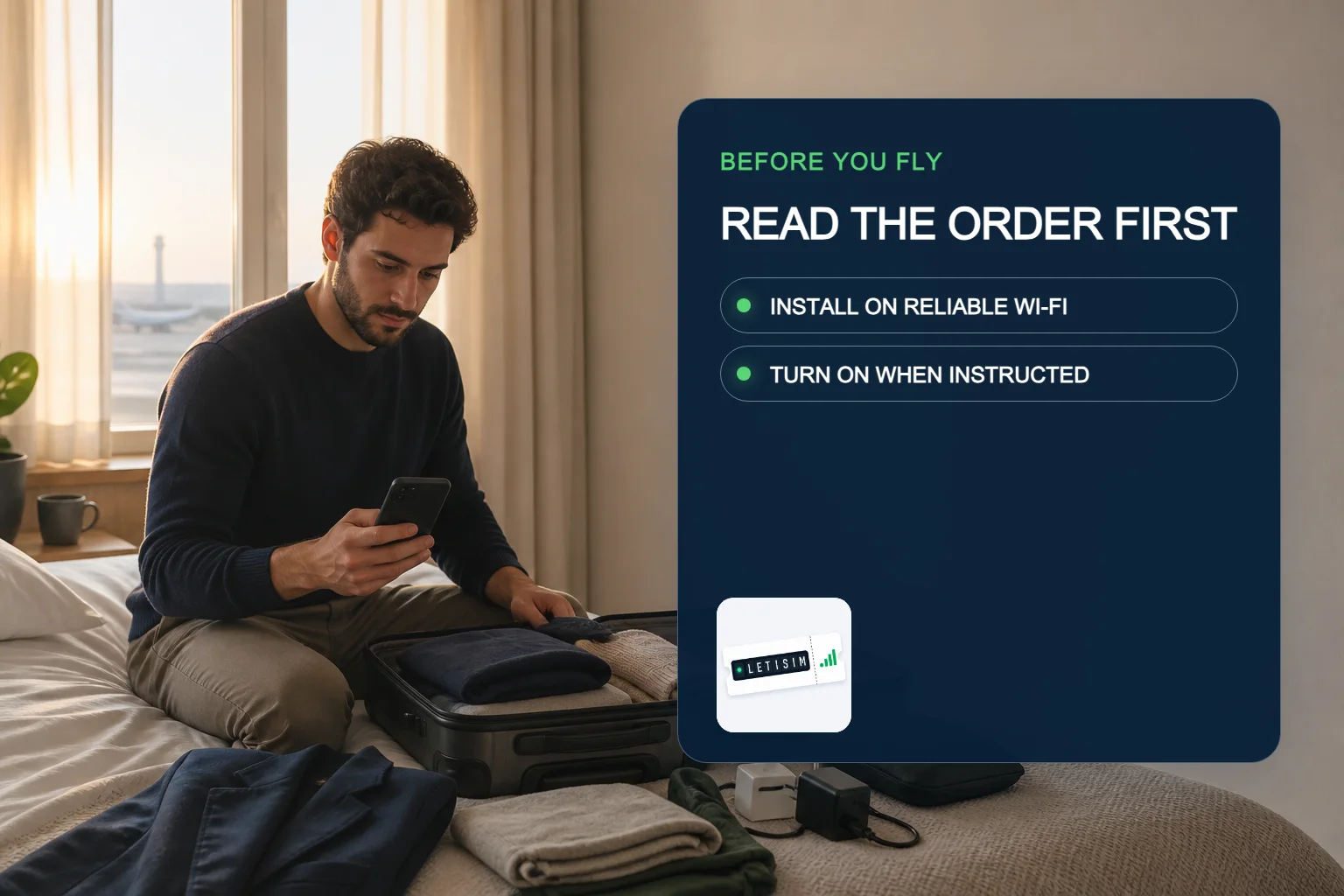
Prepare your travel eSIM before a flight: install, save, switch on
Read the live order first, install only when its instructions allow, save the recovery path, then switch the data line on at the instructed moment.
Letisim Editorial Team · Updated
The safe sequence is order-led: read first, install only when permitted, and enable the travel line at the instructed moment.
Treat installation and plan start as separate checkpoints. Read the live order before downloading the profile; if it permits pre-installation, use reliable internet and save the order offline. Turn on the travel line, data roaming and the data-line choice only as that order instructs. If arrival fails, keep the profile and use the troubleshooting path.
Installation and plan start are different questions
Apple describes several ways a carrier can deliver and activate an eSIM; the carrier’s instructions remain part of the setup, so a phone button labelled ‘Activate’ does not by itself reveal when a travel allowance begins. [apple-setup][apple-travel]
Google likewise routes Pixel setup through the carrier flow. Letisim therefore does not publish one universal start rule: the live order is the authority for that plan. [google-setup][apple-travel]
Read the order before downloading
Choose the branch that matches what the order actually says.
INSTALL NOW
The order explicitly permits pre-installation
Use reliable Wi-Fi or another stable connection
Finish the profile download without changing arrival settings
Confirm the profile appears, then stop at the stated boundary
WAIT
Timing is missing or tied to installation
Do not scan or enter the activation data yet
Keep the order accessible offline
Ask support to confirm the exact trigger
Words such as install, activate, enable and connect can describe different stages. Follow the order’s action, not a generic label.
Three moments, three different jobs
AT HOME
Verify and download
Confirm device readiness, read the order and install only if allowed while reliable internet is available.
BEFORE BOARDING
Make recovery offline
Save the order number, installation instructions and support path without exposing QR or activation data.
AT DESTINATION
Choose the travel data line
Turn on the line and data roaming only if the order requires them; keep the home line’s data roaming off.
Save a recovery packet, not secrets
Keep enough context to recover without making activation data easy to leak.
Order reference and destination
Native installation and activation instructions
Support link and the phone’s model name
A note that QR codes, activation codes, EID and IMEI stay private
Letisim · Live catalog · current options
Current Letisim plans
Prices and availability load from the live catalog. Verify final details before purchase.
⌄
✓Data, duration and price — all on one screen.
✓Your QR code and setup guide work offline — even at the airport with no signal